Deploy by pushing
Connect a repository and push. We work out how to build your project and put it live. No Dockerfile, no pipeline file, no deploy command.
Free hosting · invite only
Push your code. You get a real HTTPS address, a Postgres database, storage, logs and an AI endpoint, with no Dockerfile to write, nothing to configure, and no bill at the end of the month.
There is no dashboard to learn and no pipeline to set up. Connect a repository once; after that, pushing is deploying.
Point us at a GitHub repo. This is the only setup there is, and it happens once.
We work out what your project is written in and build it for you. Node, Python, Go, Rust, PHP, Java. You write no Dockerfile and no build config.
Your app answers at you.anaswebservices.com over real HTTPS, with the old version still serving until the new one is ready.
Four computers on a shelf in my apartment, drawn from the real rack, with every port, every cable and every blinking light where it actually is. Point at any part to pull it out.
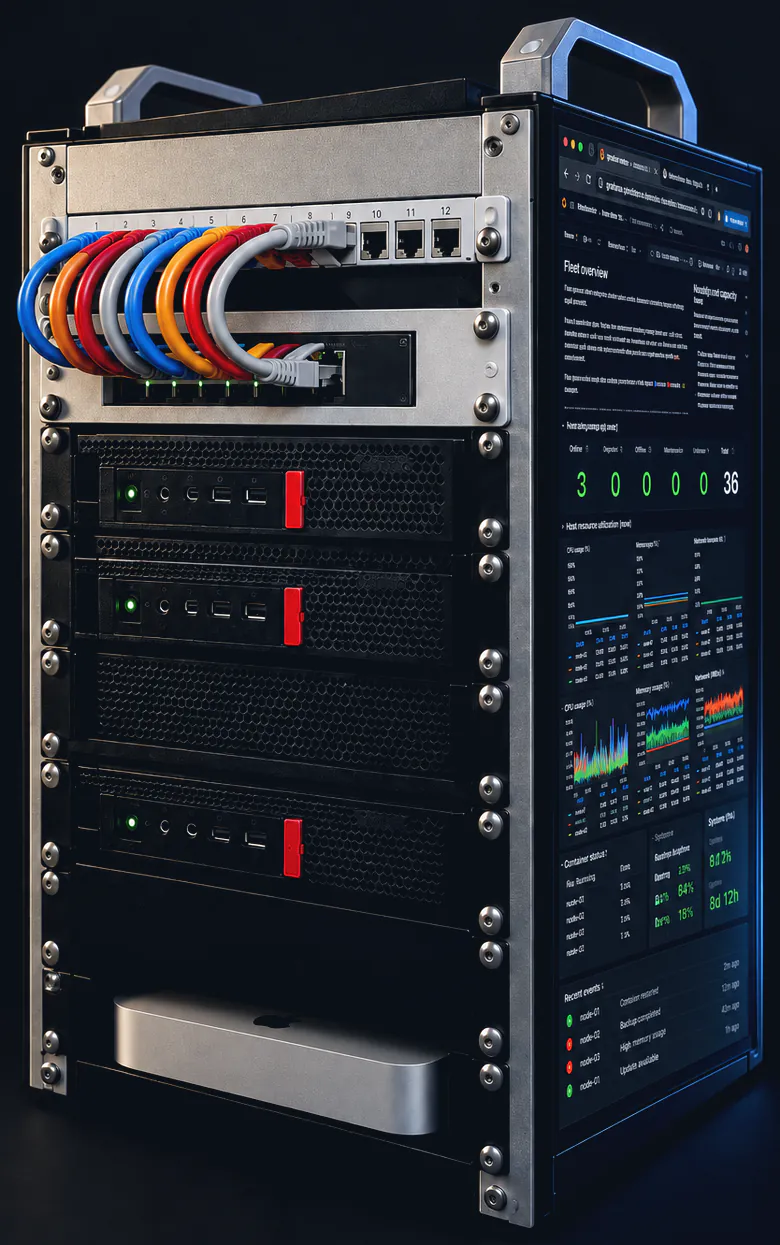
Point at any part to pull it out
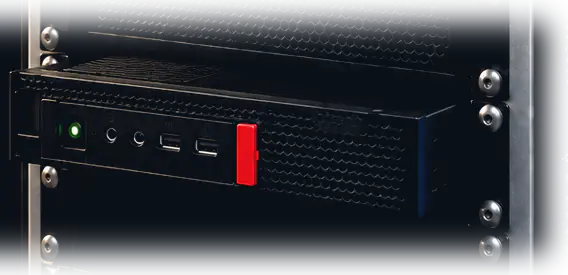
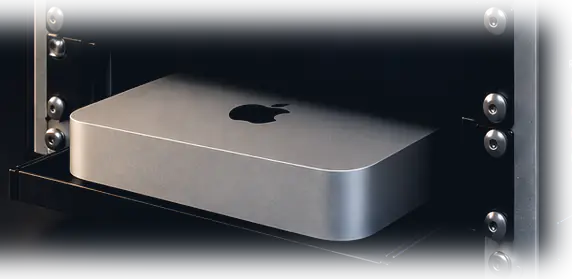
Three Lenovo ThinkCentre M920q mini PCs run your apps, a Mac Mini answers the AI endpoint, and a gigabit switch ties them together. No data centre, no region, no availability zone.
About 15-18 GB of that is free for apps once the platform itself is running. That is the honest number, and it is why this is invite-only rather than a signup form.
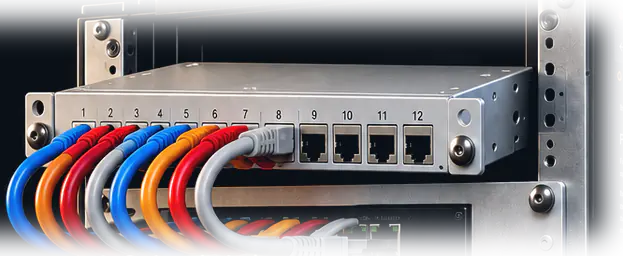
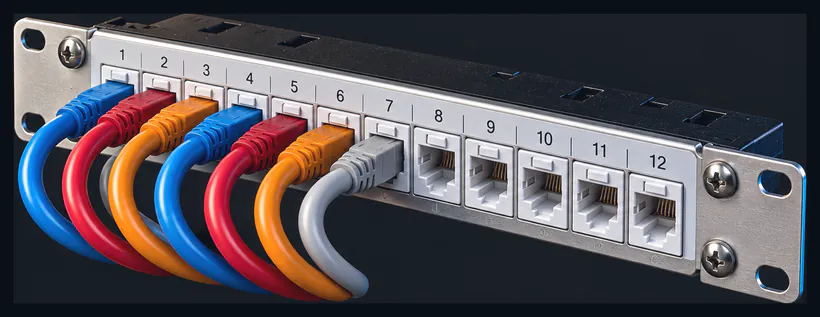 Patch panel
Twelve keystone ports at the top of the rack. A machine can be pulled out and put back without re-running a single cable, which is the difference between fifteen minutes of downtime and an afternoon.
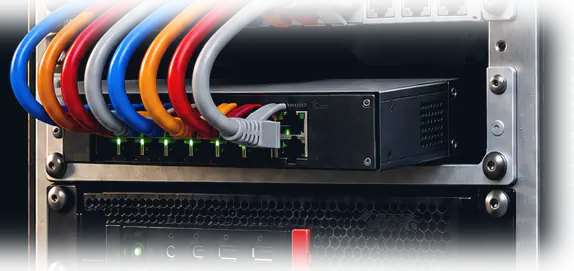
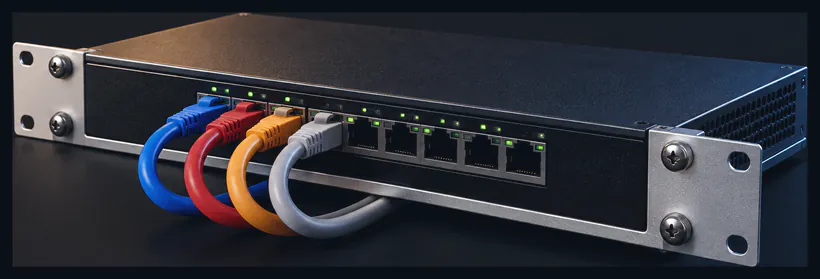 Network switch
A managed gigabit switch. Every machine gets a full gigabit to every other machine, which is what makes three separate computers behave like one.
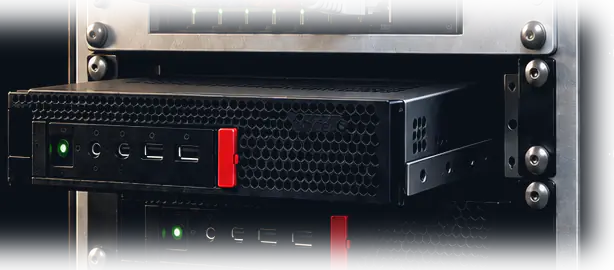
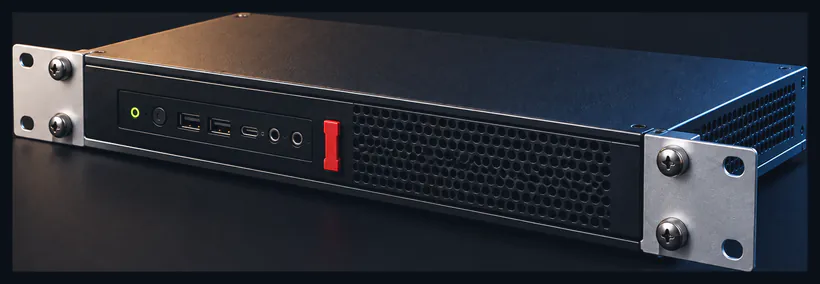 Node 01
This one keeps the lights on: the dashboards, the logs and the internal plumbing. Customer apps are deliberately steered away from it so a busy app never slows down the thing watching it.
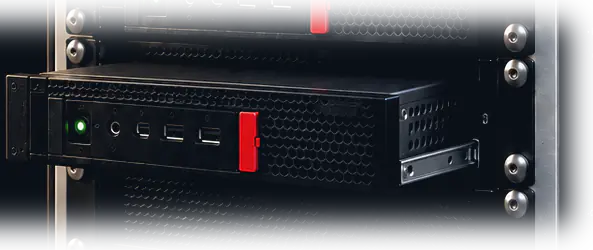
Node 02
Customer apps and the shared database live here. It is a newer chip than Node 01, which matters, because the hardware fixes for a family of processor security flaws are built into this generation rather than patched around in software.
Node 03
The twin of Node 02, and where your code actually gets compiled into something runnable. Builds are kept off the machine running the platform on purpose: a build runs code nobody has reviewed yet.
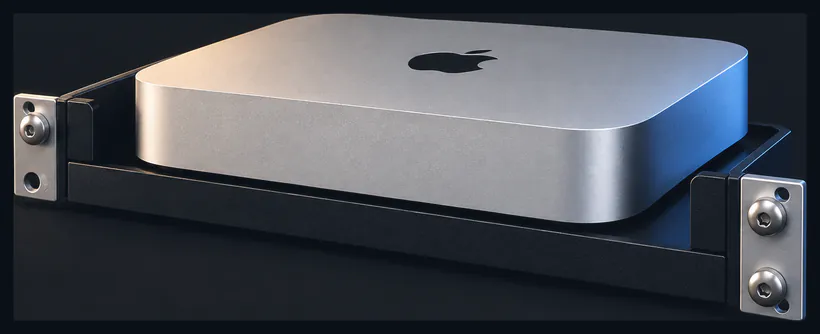 Mac Mini
Your app can call a language model without an API key and without a per-token bill. This is the machine that answers. It is not part of the cluster; it just sits at the bottom of the rack and runs the model.
Requests, memory, restarts and every line your app prints, collected without you adding anything to your code, and on a screen that is always on.
Every one of these is working today. The things that are not built yet are listed underneath, plainly, and they are not buttons.
Connect a repository and push. We work out how to build your project and put it live. No Dockerfile, no pipeline file, no deploy command.
You get you.anaswebservices.com with a certificate that renews itself. You never touch a key or a config file.
Your own database, backed up off-site continuously. The restore has actually been tested. It came back in under a minute, which is not the same thing as having backups.
An S3-compatible bucket of your own for uploads, exports and anything that has to outlive a deploy.
Requests, memory, restarts and every line your app prints, collected without you adding anything to your code.
Call a Llama 3.1 model from your app. There is no API key, no per-token bill, and the prompt never leaves the apartment.
Tell me what you're building and I'll set you up with an address, a database and a bucket. It costs you nothing. There is no form and no waitlist. Just me, reading an email.
Request an inviteInvite only · no credit card · nothing to cancel